Where are my notes stored?
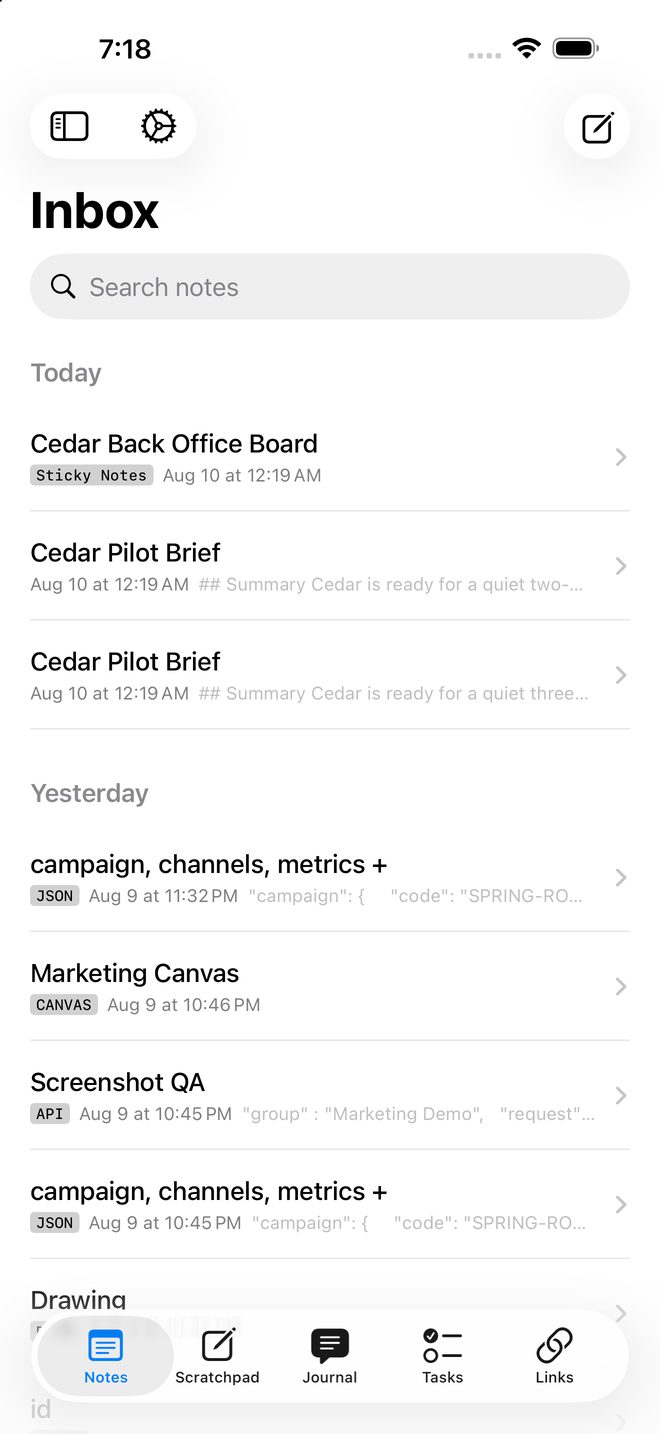
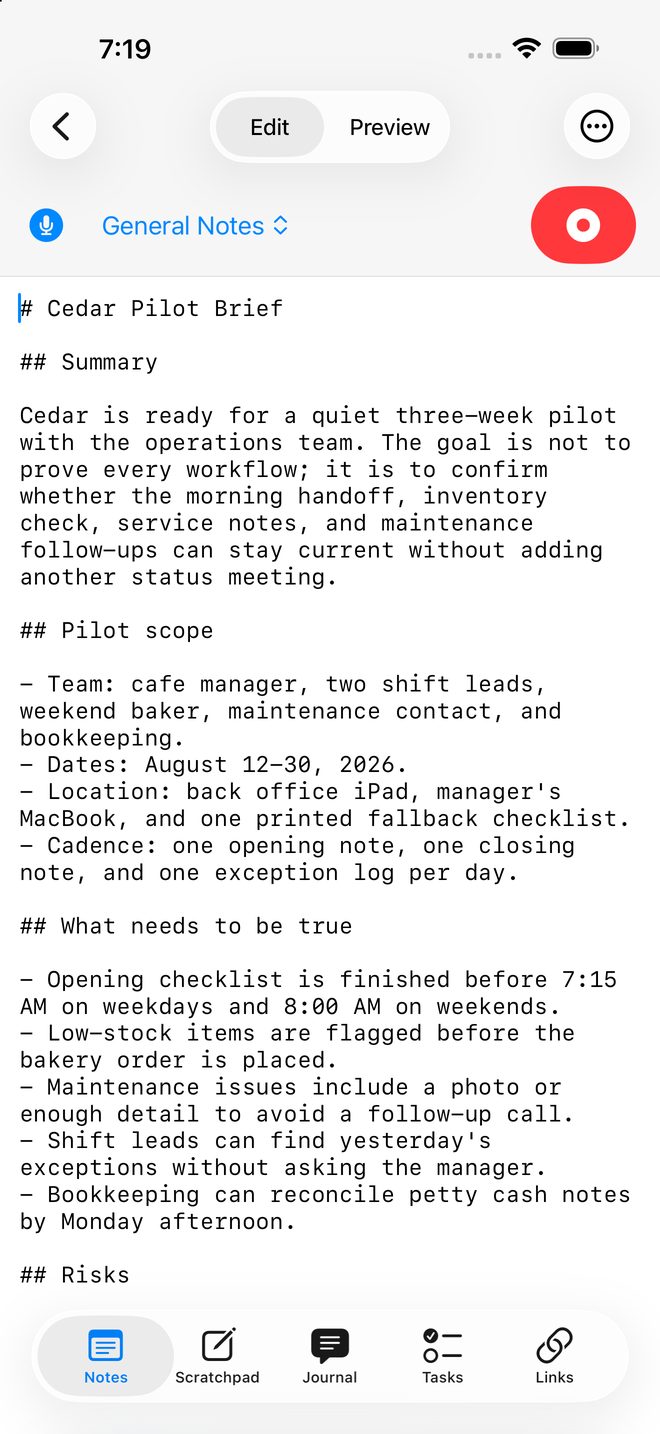
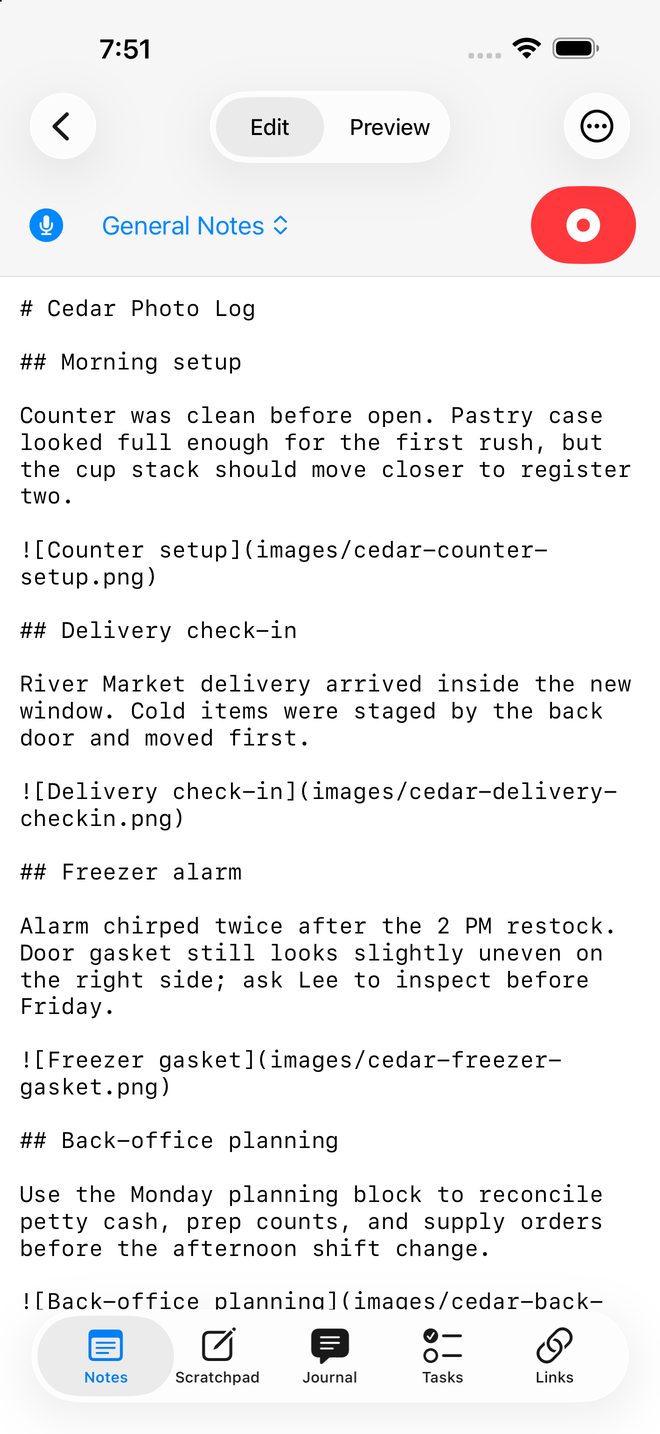
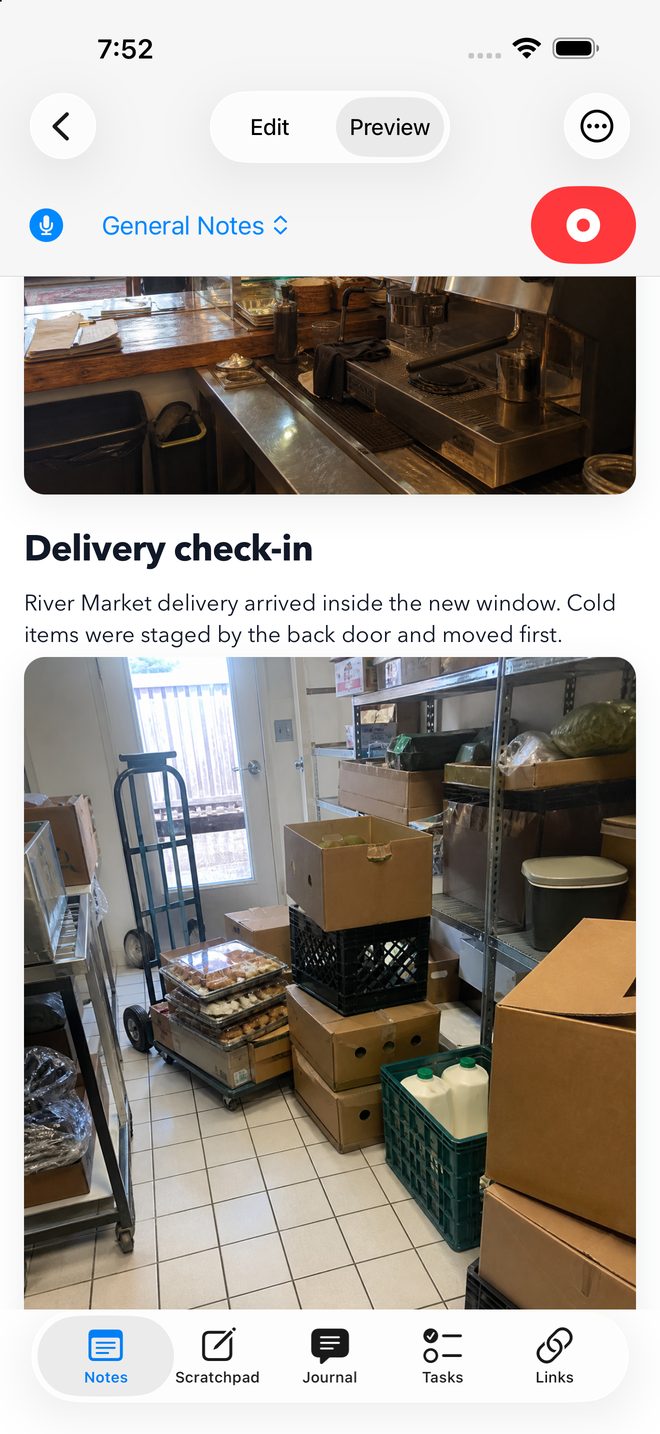
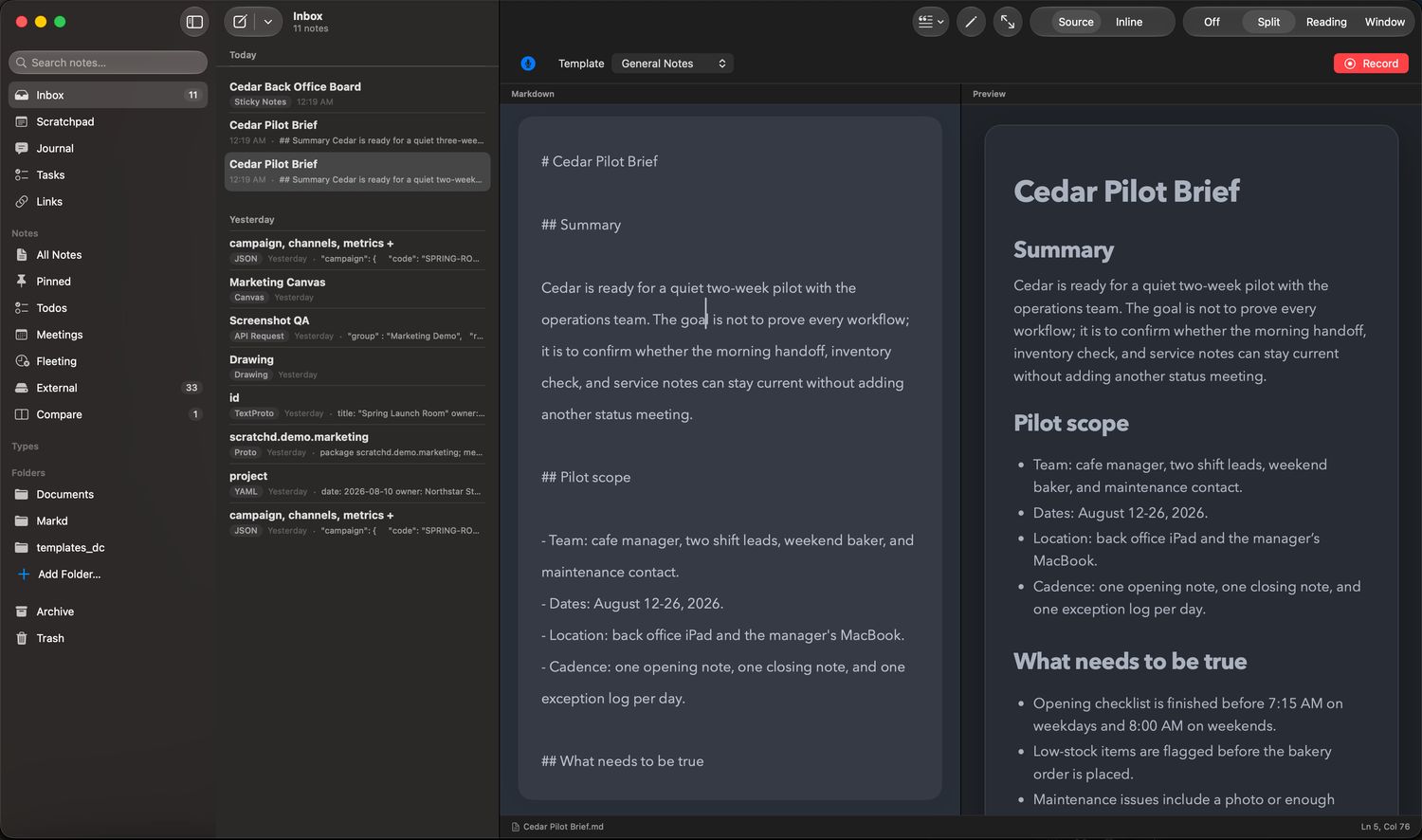
In a folder you choose, as ordinary files. The default is a folder in your iCloud Drive, but you can point Scratchd anywhere, including a folder that stays on one machine. Open it in Finder or the Files app and the notes are just there.
Do I need an account?
No. There is nothing to sign up for, and no Scratchd account exists to make. Syncing, if you want it, is your own iCloud Drive doing the work, so it follows from where you put the folder. Choose a folder outside iCloud Drive and nothing syncs; the notes stay on that device.
What happens if I stop using Scratchd?
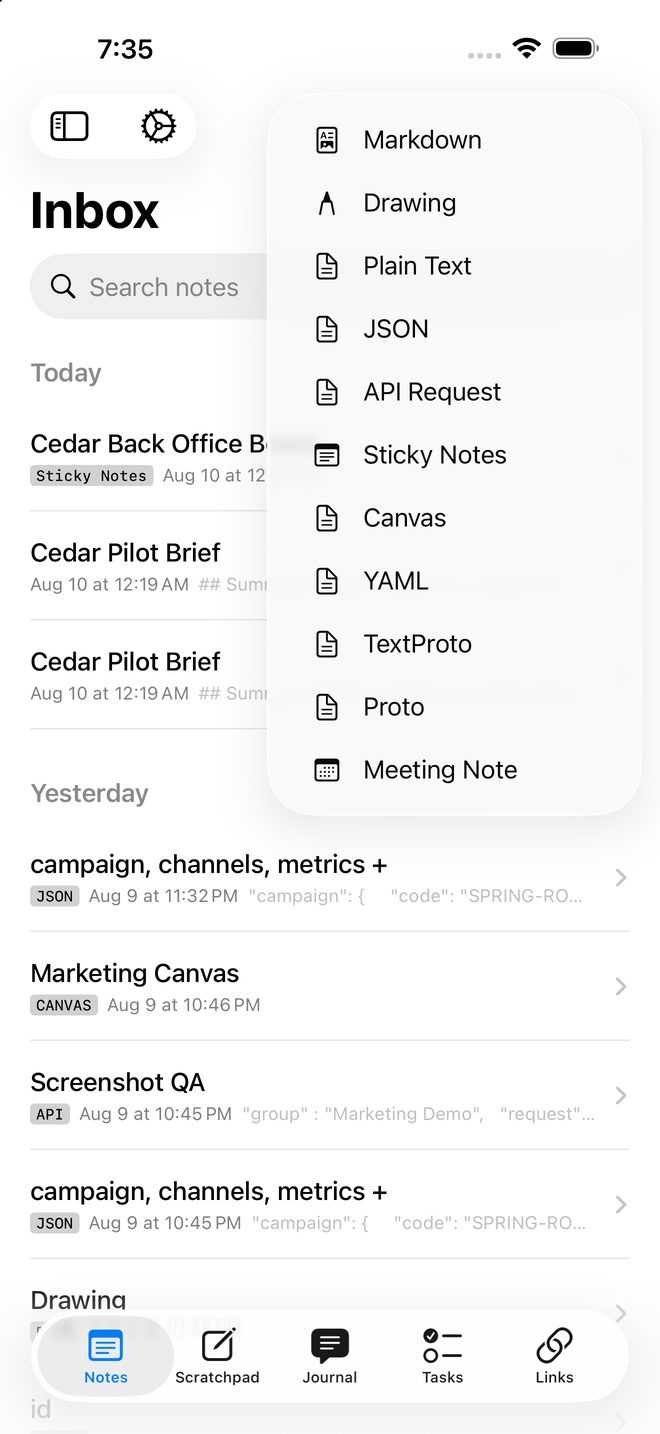
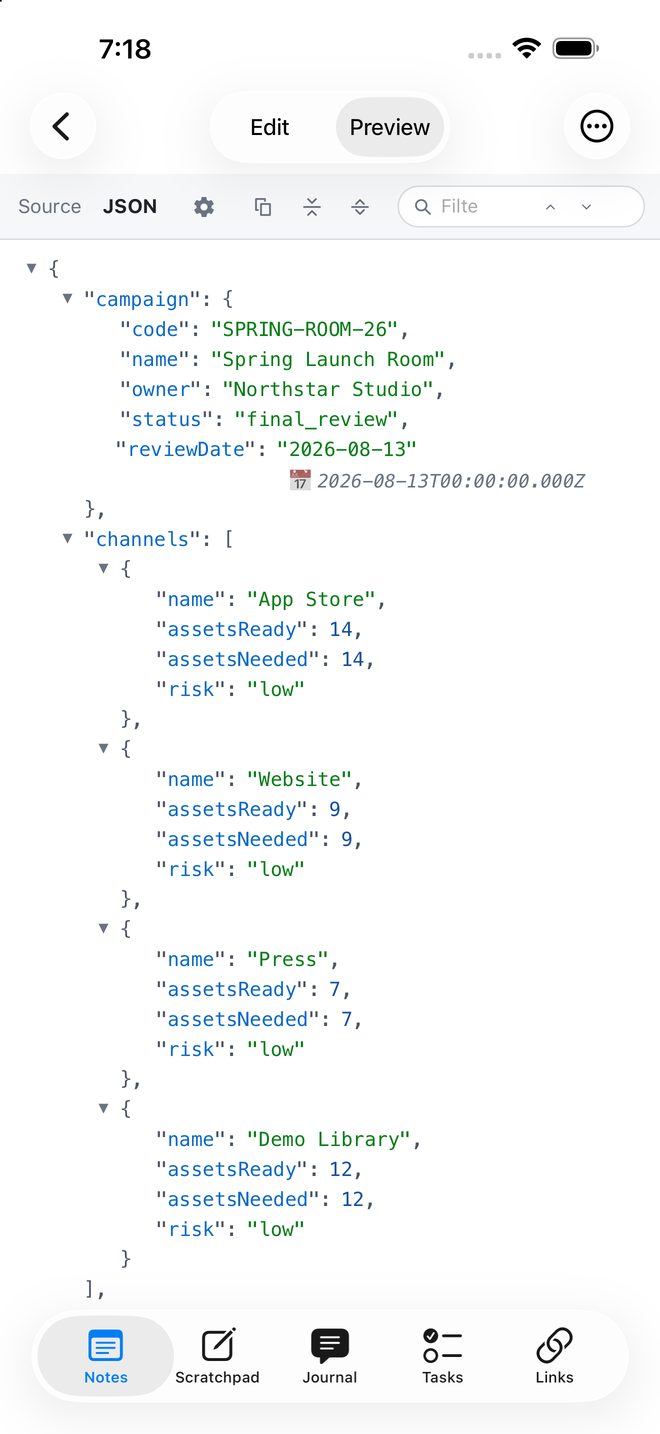
You keep the folder. Plain text, Markdown and structured files such as JSON, YAML, .proto and textproto still open in other apps.
Does it work with Obsidian, iA Writer, or my editor?
Yes. Point another app at the same folder. Scratchd notices changes made outside it and picks them up.
Is my voice recording uploaded?
No. Voice notes require on‑device speech recognition and Apple’s on‑device models, and if those are not available Scratchd declines rather than falling back to a server.
Is there AI in this?
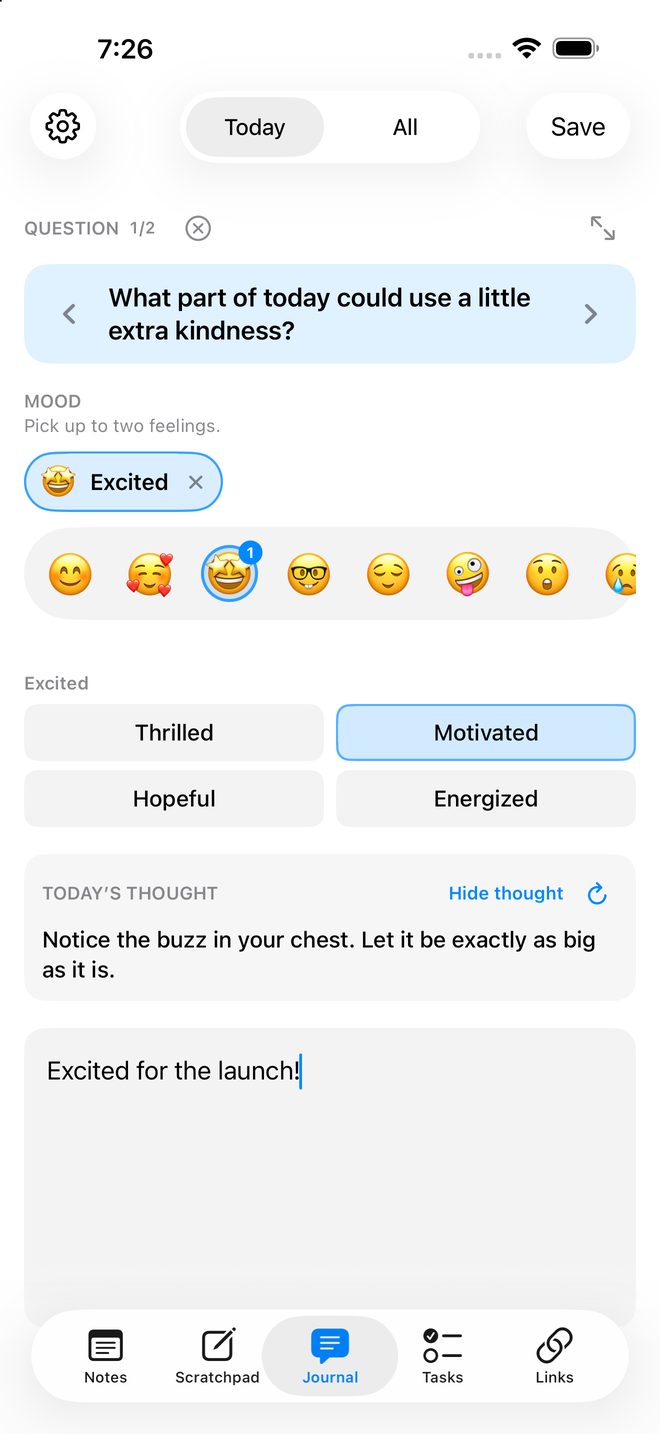
Two features use Apple’s on‑device models: voice notes and the journal’s generated reflection. Both run on your device, on hardware and OS versions that support them, and neither is sent anywhere for processing. There is no chatbot.
Can I use it for code and config?
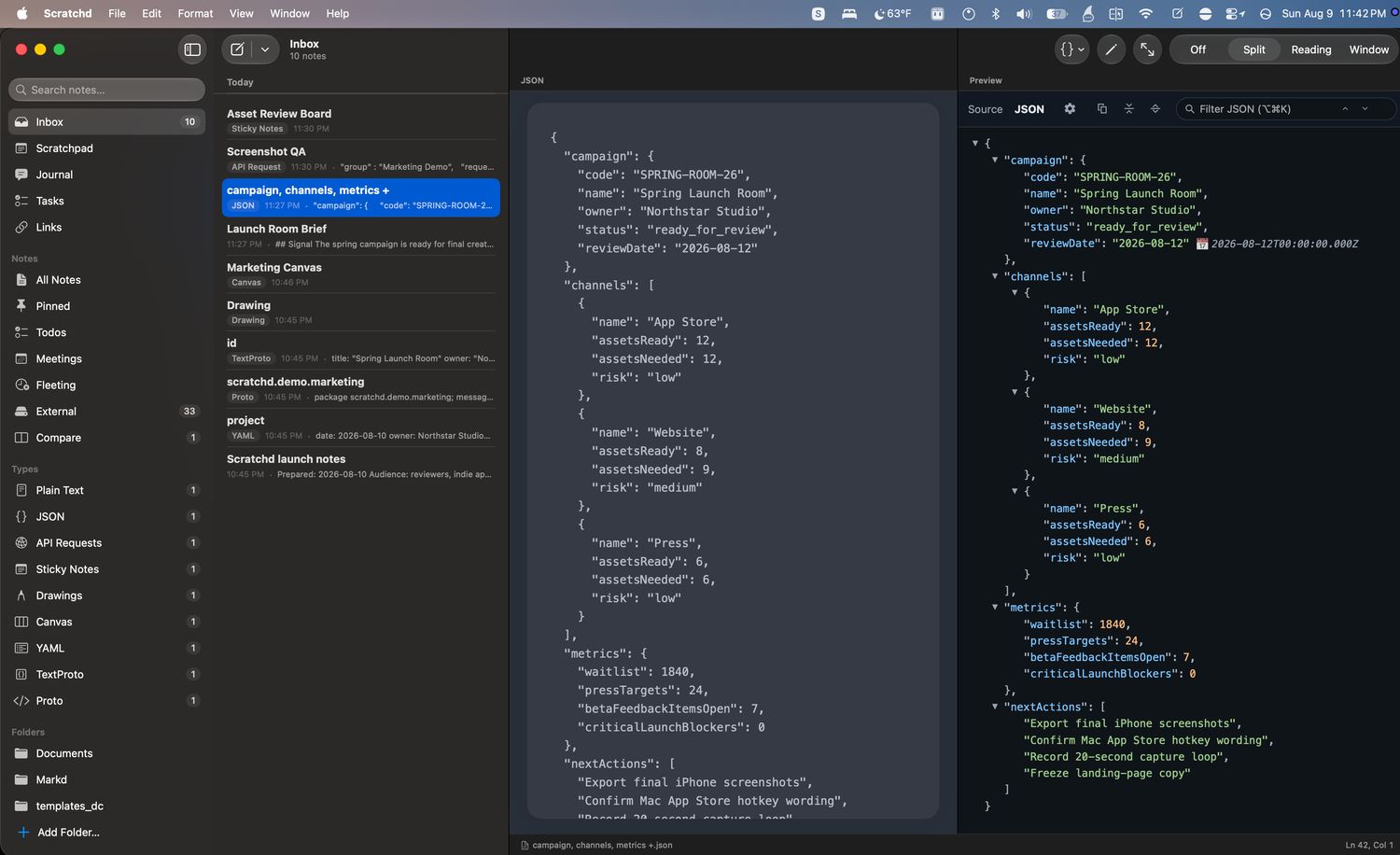
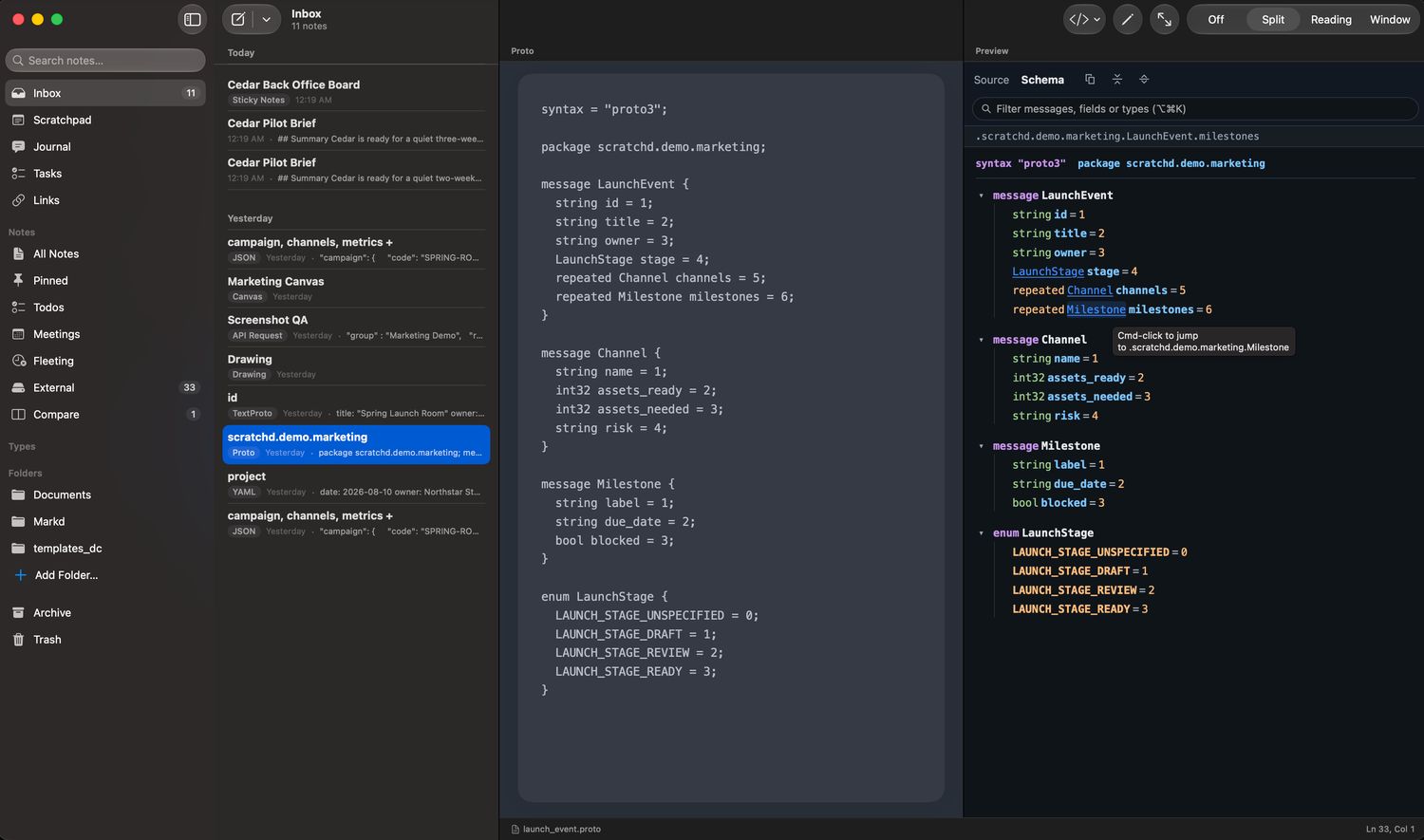
Yes, and that is much of why it exists. JSON, YAML, .proto and textproto get real previews, and .proto gets a schema viewer with go‑to‑definition.
What does it cost?
There are two apps. The Mac app is $4.99. The iPhone app is $4.99 and covers iPad and Apple Watch as well, so there is nothing further to buy for those. A bundle covering both at $8.99 is planned, and can only appear on the App Store once both apps are live. You buy it once. There is no subscription and no in‑app purchase.
Why does it say version 10 if it is new?
Because it is the tenth version. It is the first one that has been for sale. It started as a plain Markdown editor and gained a scratchpad, tasks, links, a journal and the structured viewers over the versions since.
What do I need to run it?
macOS 26, iOS 18, watchOS 11. Two features need more: CarPlay requires iOS 26.4, and voice notes plus the journal’s generated reflection require a device that supports Apple Intelligence.